
IndustryLab
IndustryLab 3D
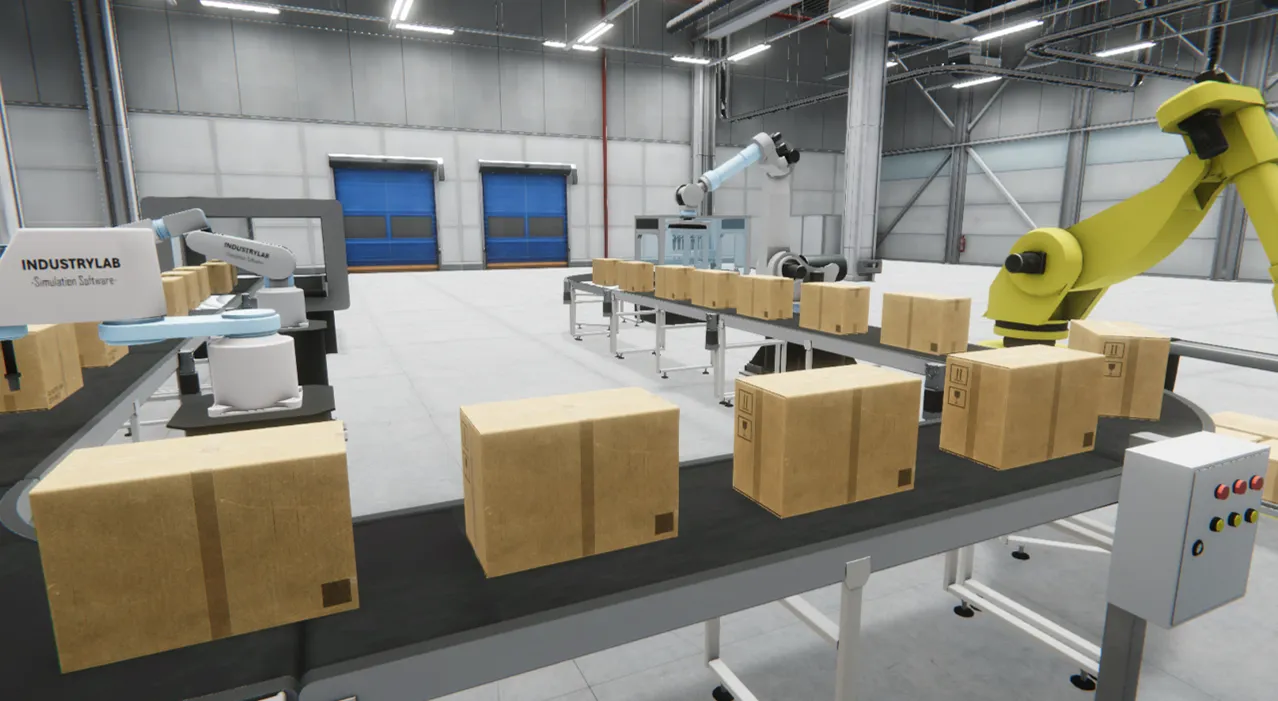
Simulation of industrial processes in 3D.
Overview
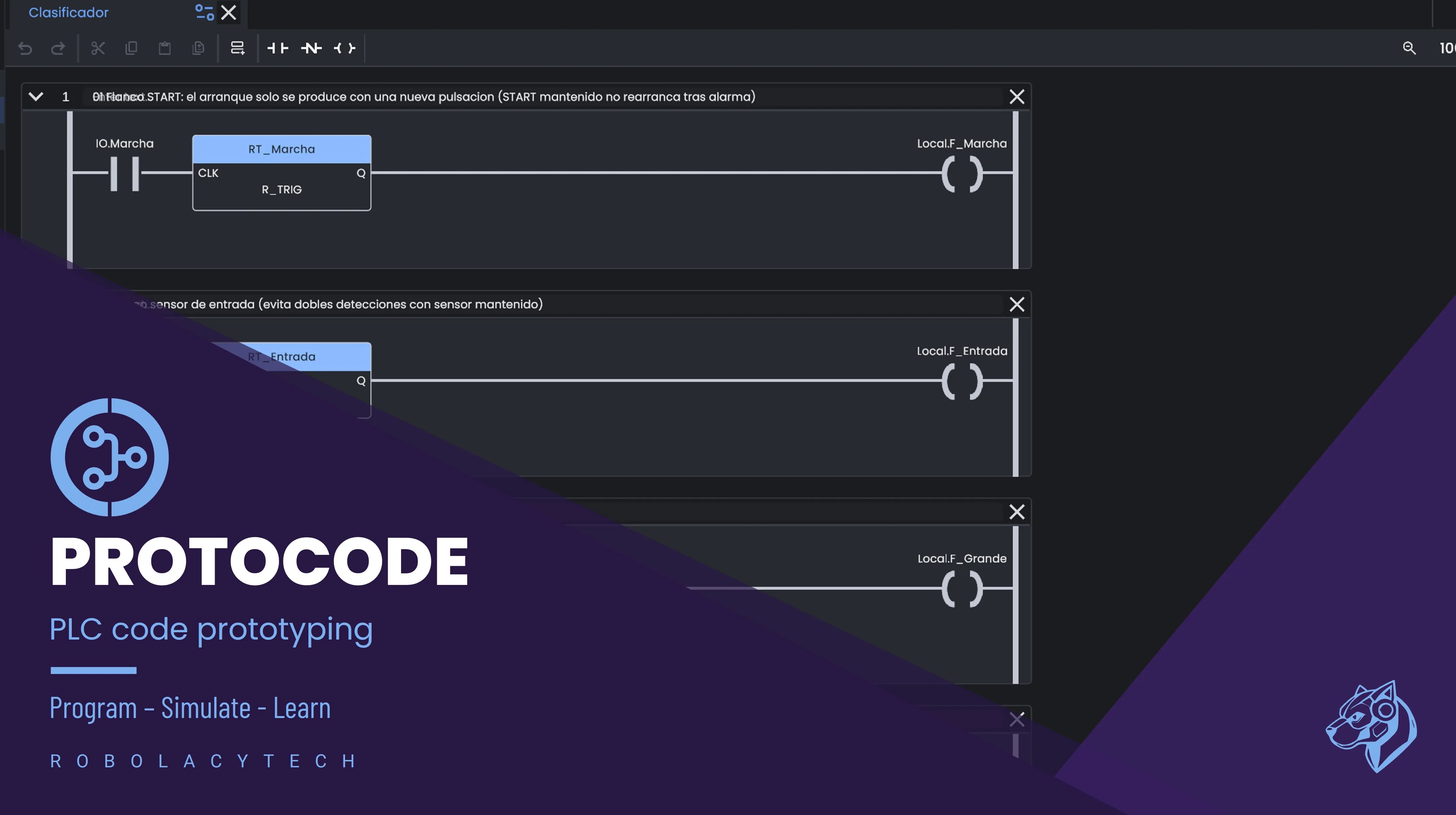
ProtoCode is RoboLacyTech’s environment to program, test and simulate PLCs (programmable logic controllers) without any hardware. You write the logic in any of the four IEC 61131-3 languages, compile it and run it on a built-in virtual PLC, watching the live state of every contact, block, step or line of code.
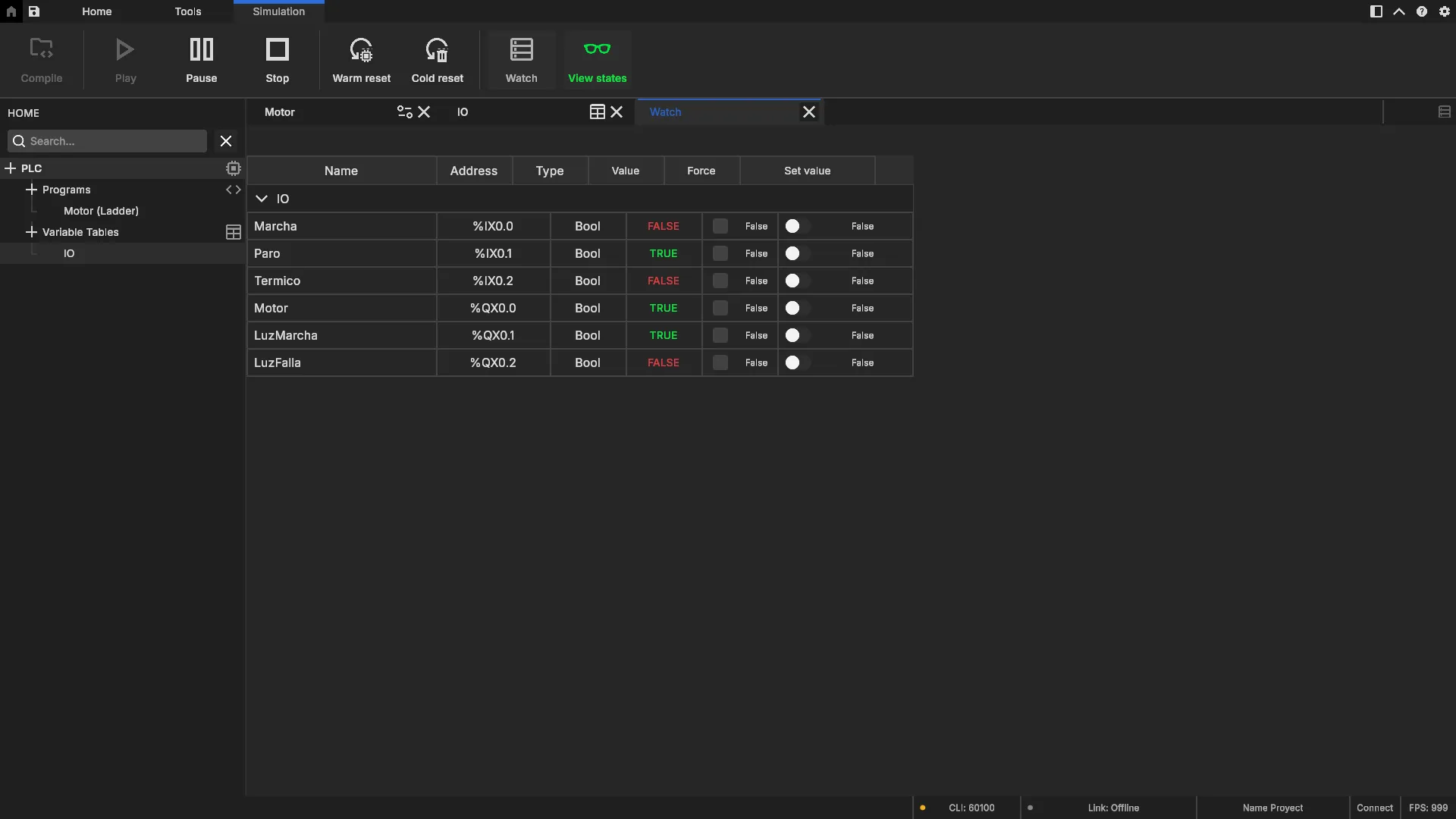
With PLC Link, ProtoCode connects to the PLC running an IndustryLab 3D or IndustryLab Fluid plant: you see your Ladder, FBD, Grafcet or ST come alive while the 3D machine runs, and you can force variables from ProtoCode.
Everything is in the ProtoCode documentation: installation, interface, a step-by-step tutorial, a guide to each editor, simulation and a complete block reference.
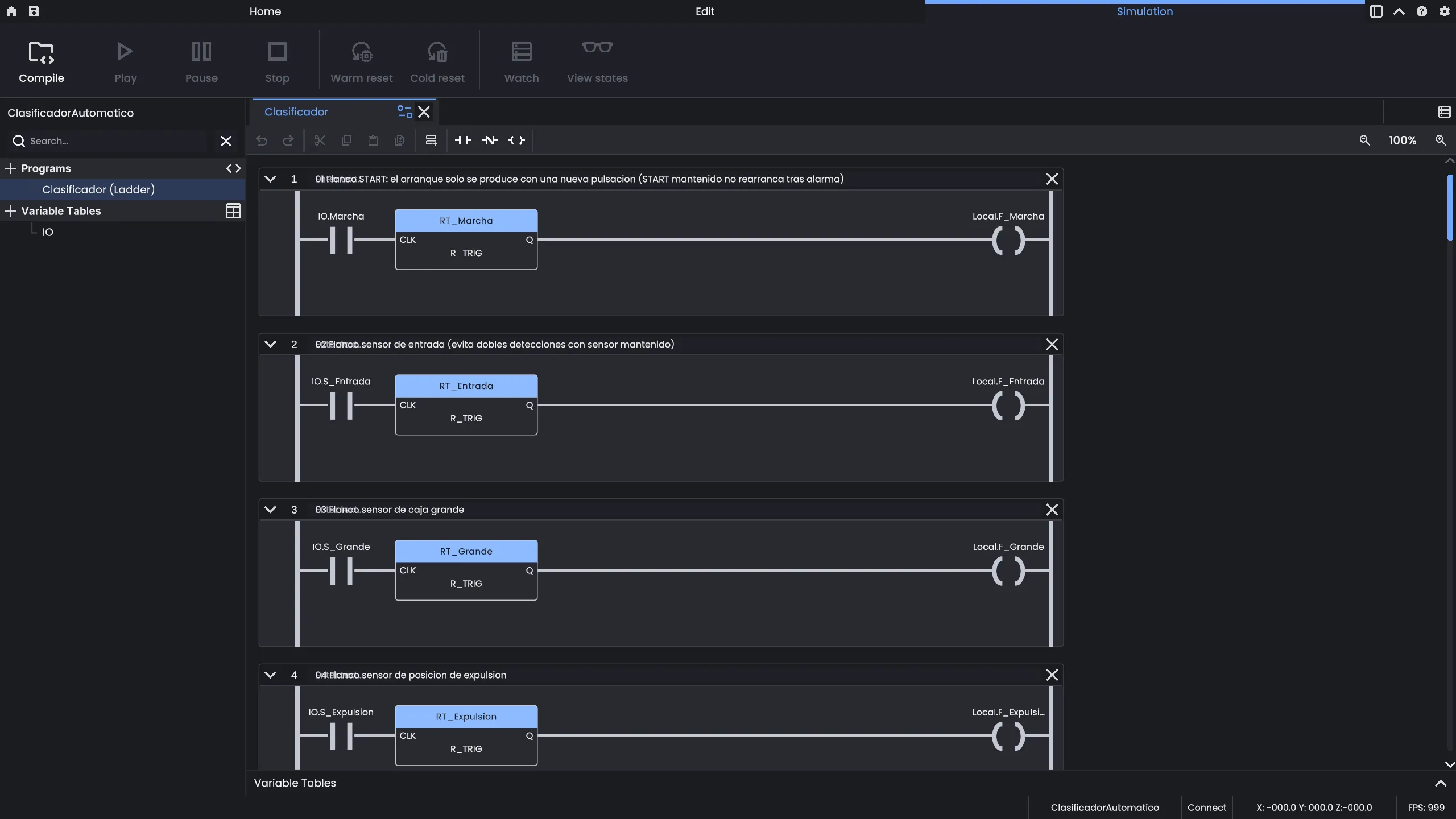
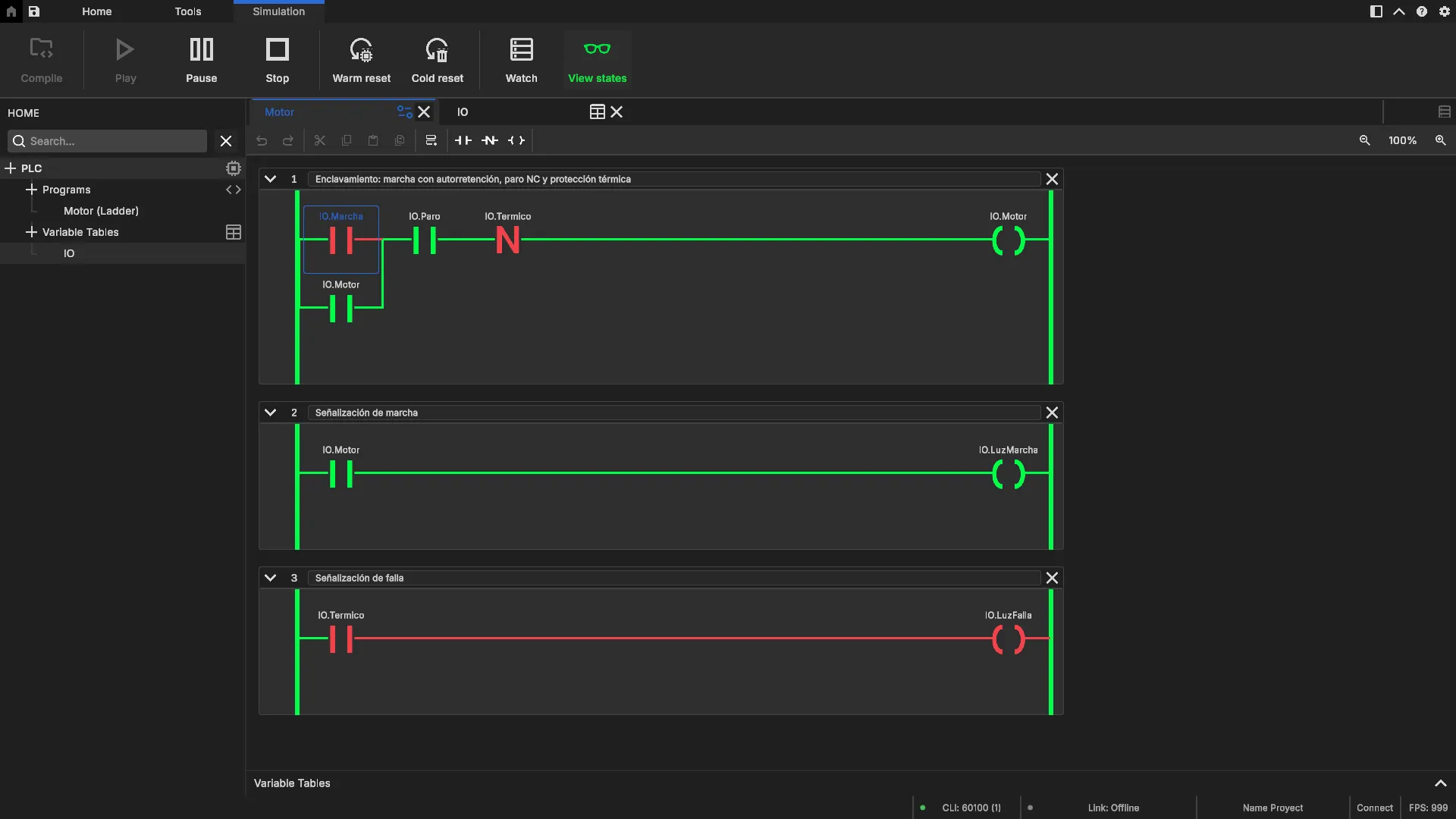
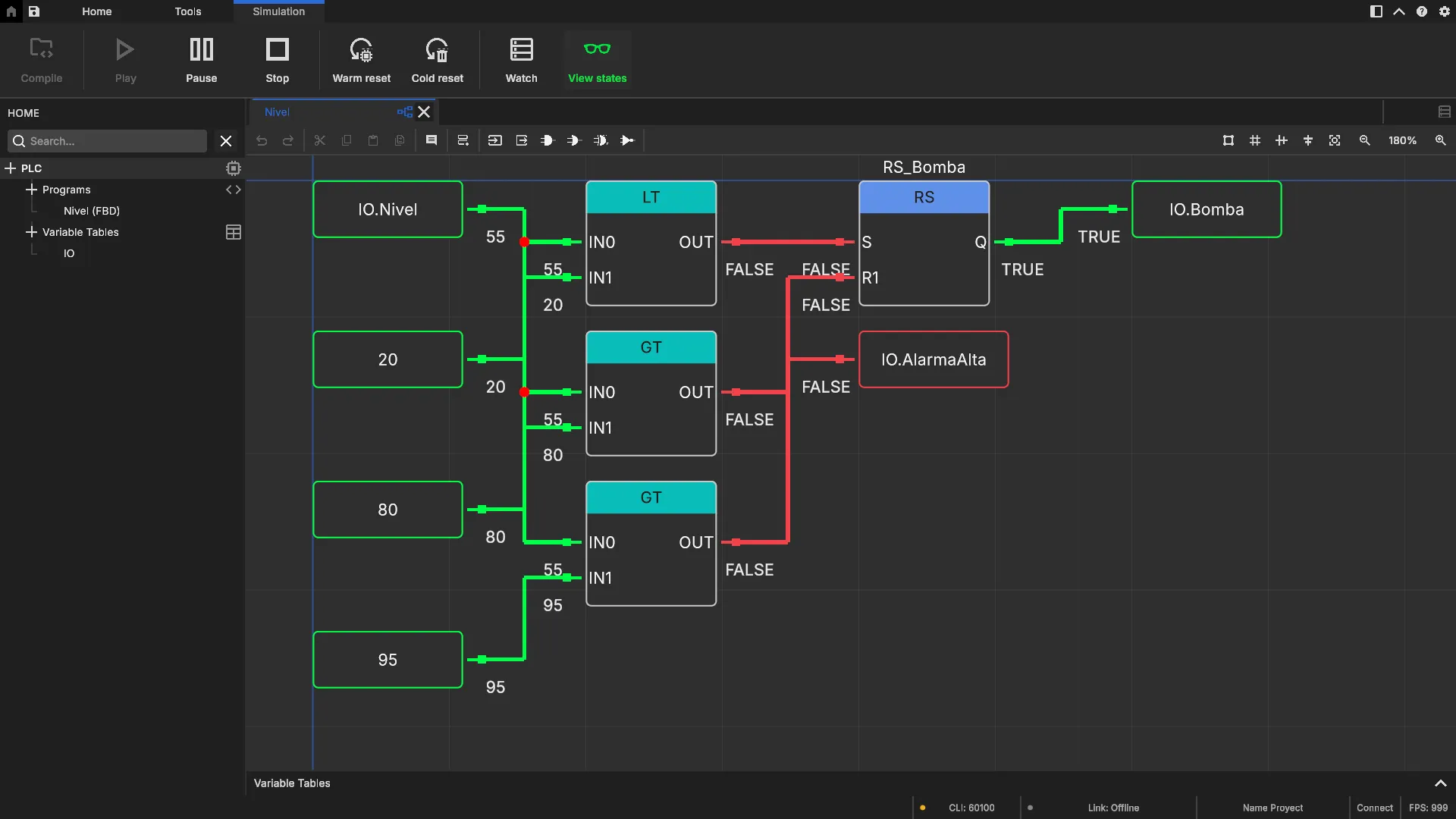
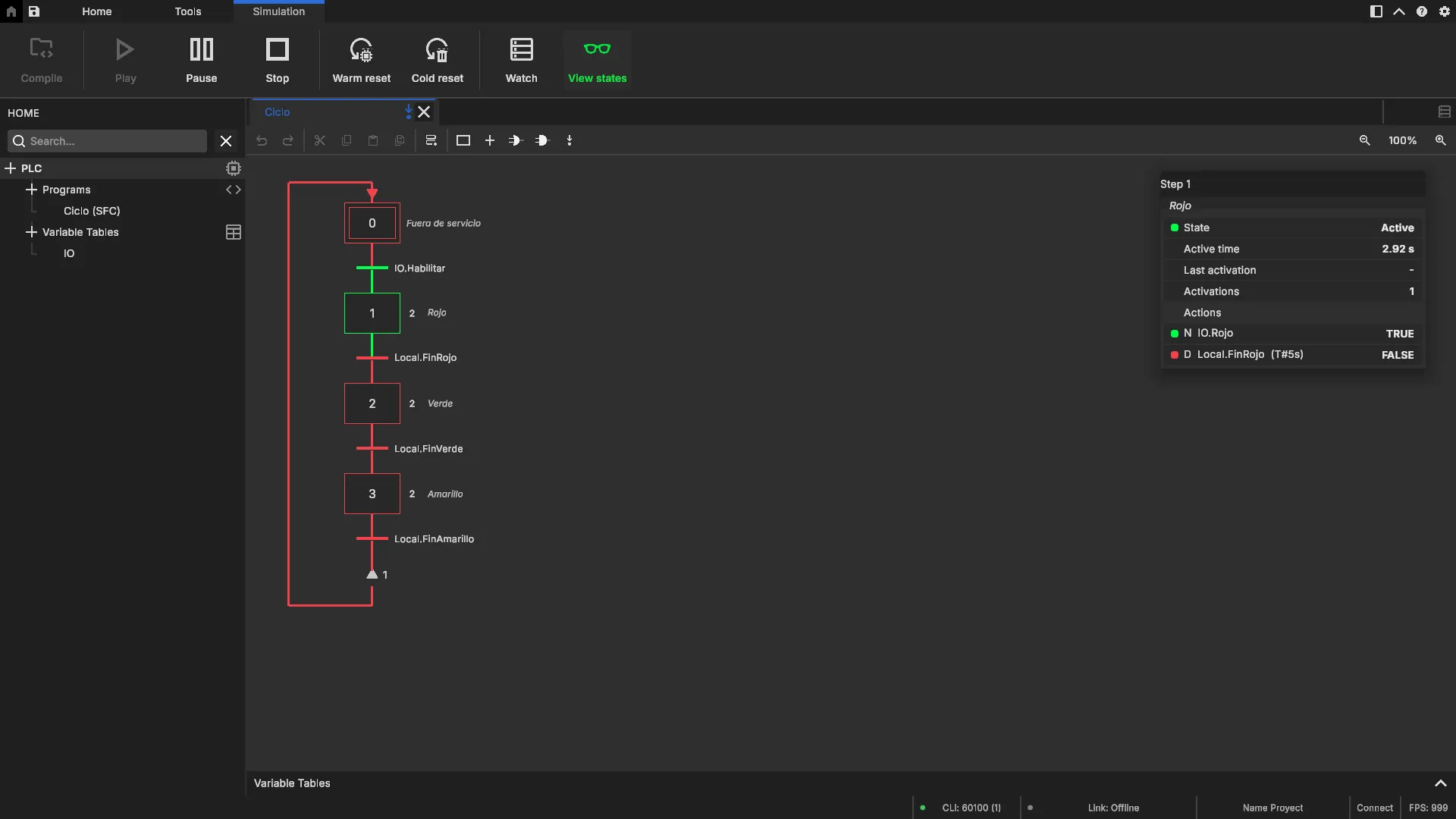
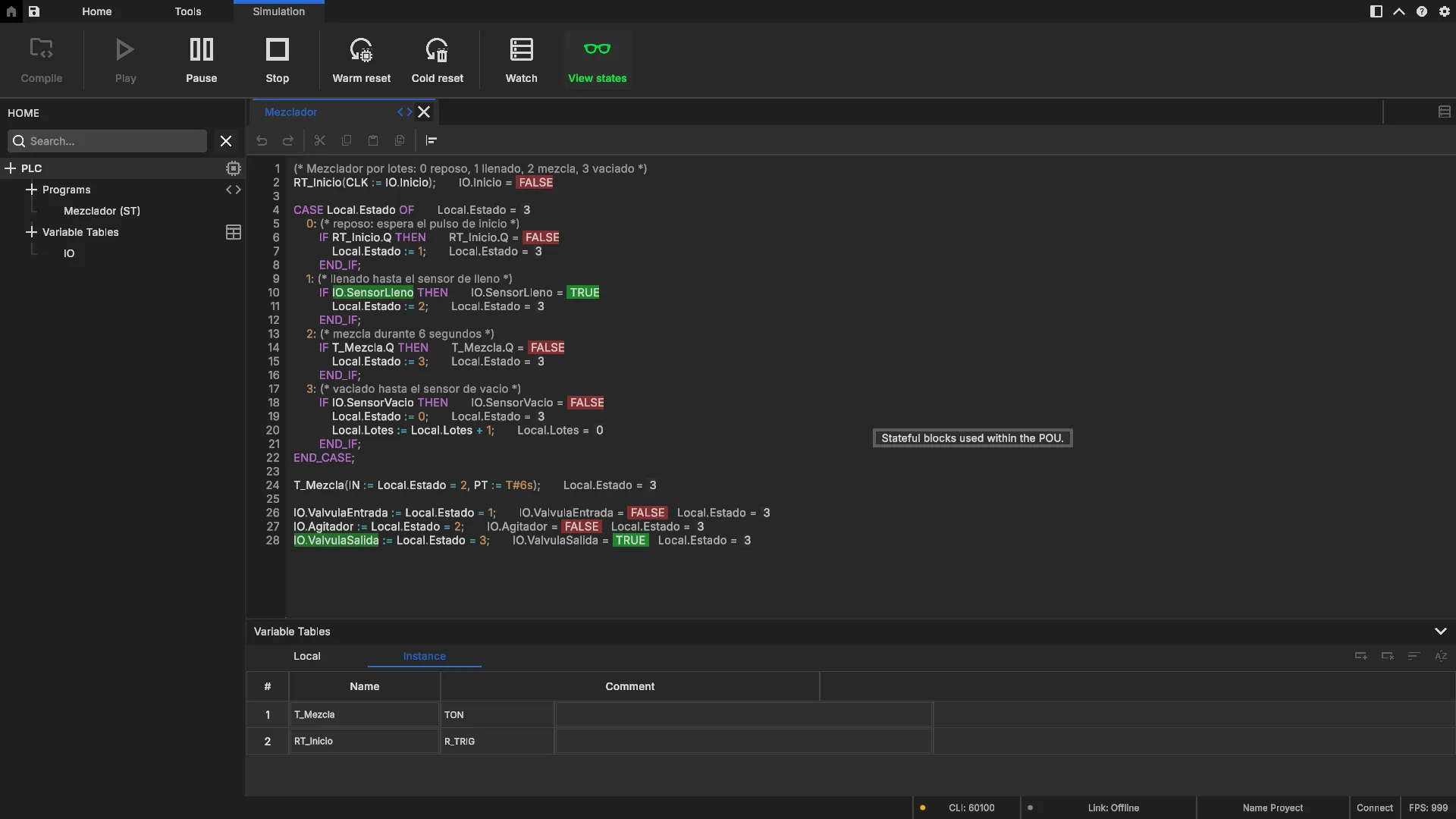
Ladder (LD), Function Block Diagram (FBD), Grafcet / SFC and Structured Text (ST), mixed in the same project.
Compile the whole project and simulate it with continuous or periodic tasks, no hardware needed.
Contacts, wires, steps and lines of code coloured by state, with numeric values on every operand.
Watch table with every variable and instance, value writing and forcing from any editor.
Timers, counters, edges, arithmetic, comparators, scaling, filters, PID, alarms and conversions.
Build reusable functions and function blocks with their own inputs, outputs and memory.
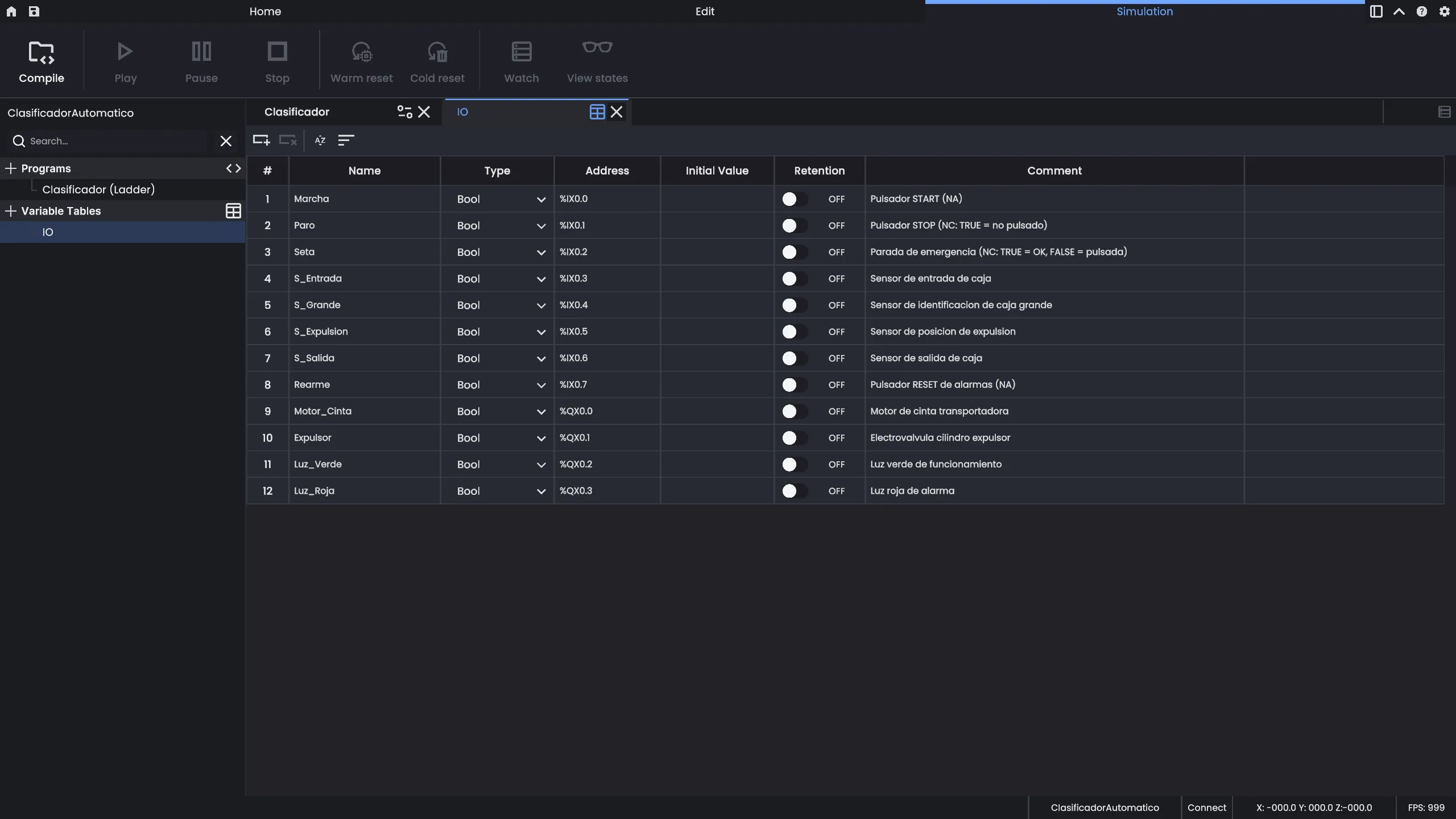
Global and local variables with IEC addresses (%I, %Q, %M), retention, initial values and task scheduling.
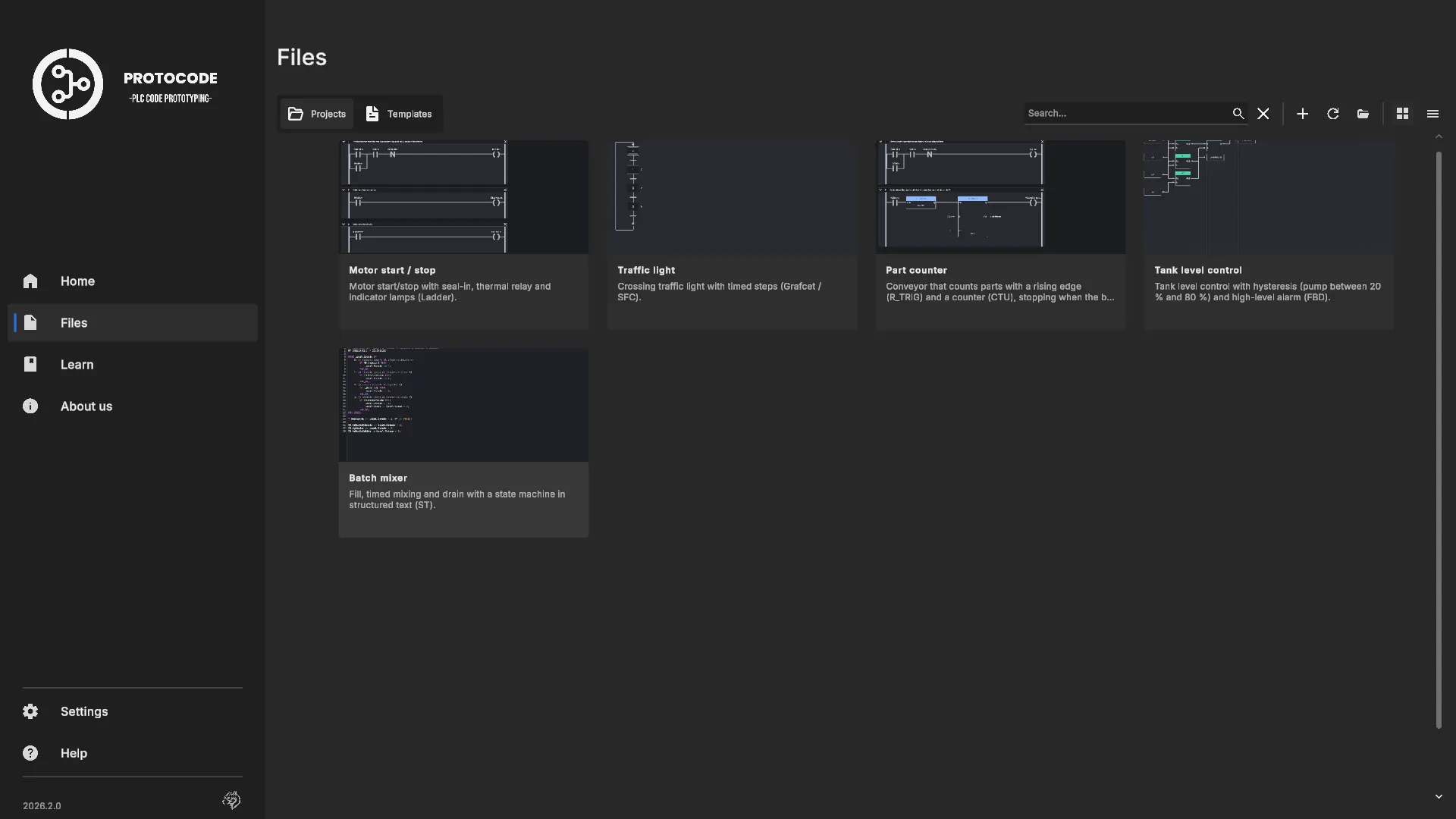
Five ready-made projects (motor, traffic light, counter, tank and mixer) to learn each language.
Connect live to an IndustryLab PLC to monitor and force the simulated machine.
CLI and skills so agents such as Claude Code, Codex or Gemini can create, build and test programs for you.

IndustryLab
Simulation of industrial processes in 3D.
IndustryLab
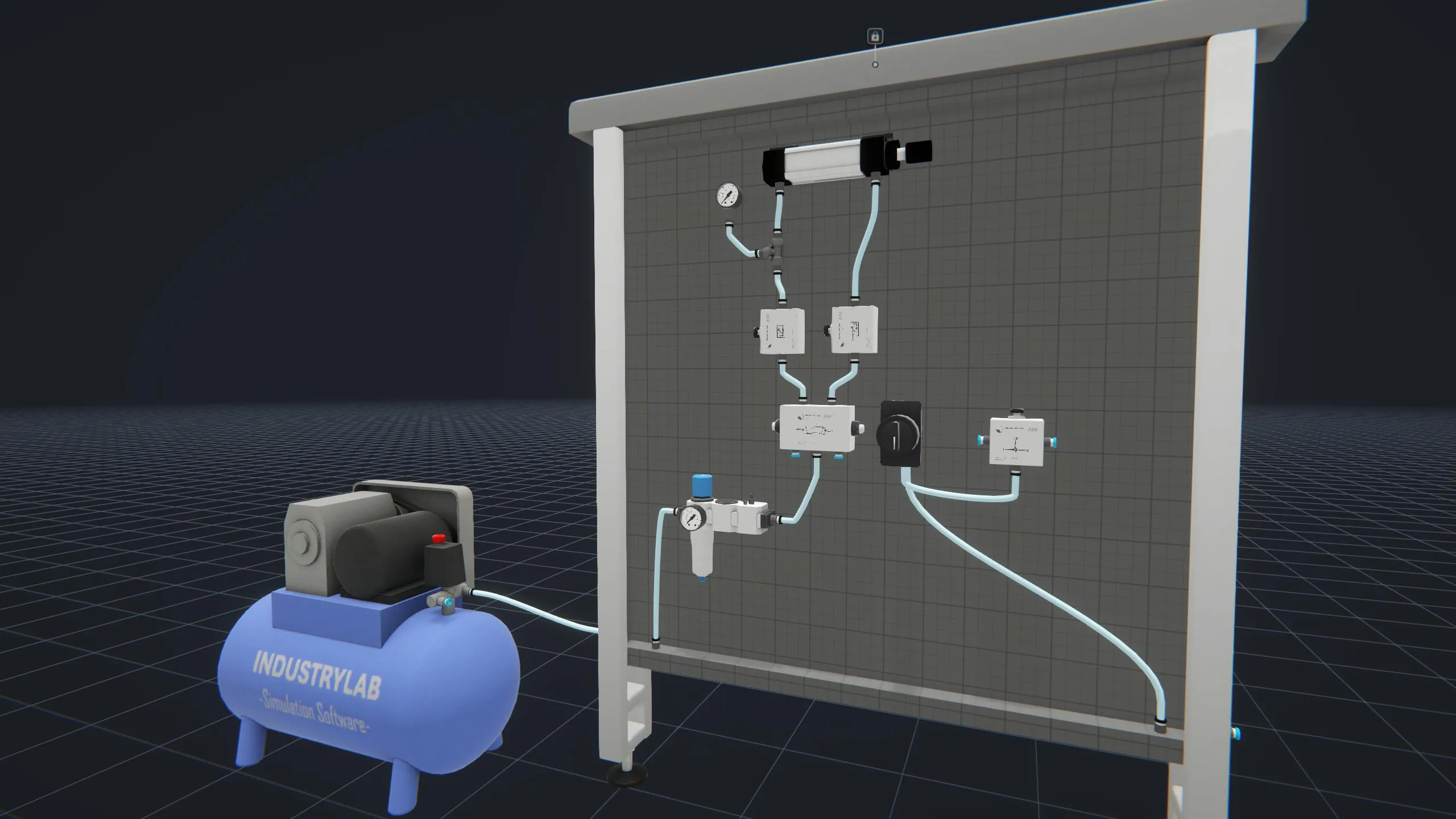
Pneumatic and hydraulic simulation.