
Installation
ProtoCode is installed with a Windows .exe installer. Just download it and run it.
Requirements
Section titled “Requirements”| Component | Minimum | Recommended |
|---|---|---|
| Operating system | Windows 10 (64-bit) | Windows 11 (64-bit) |
| Processor | 64-bit dual-core | Intel Core i3 / AMD Ryzen 3 or equivalent |
| RAM | 4 GB | 8 GB |
| Graphics | Integrated graphics, DirectX 11 | Integrated or dedicated graphics |
| Storage | 500 MB available space | 500 MB available space |
The installer needs administrator rights (Windows asks for them when it runs).
Download
Section titled “Download”Download the latest version from the ProtoCode page on itch.io:
robolacytech.itch.io/protocode
Install
Section titled “Install”-
Run the installer you downloaded (double-click the
.exe). If Windows asks for confirmation, accept. -
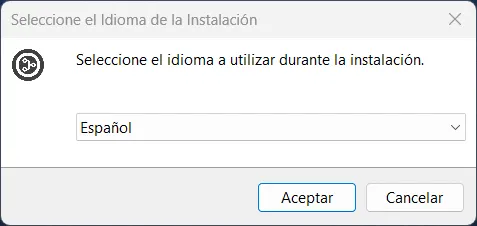
Choose the setup language and press OK (Aceptar when the installer is in Spanish).
-
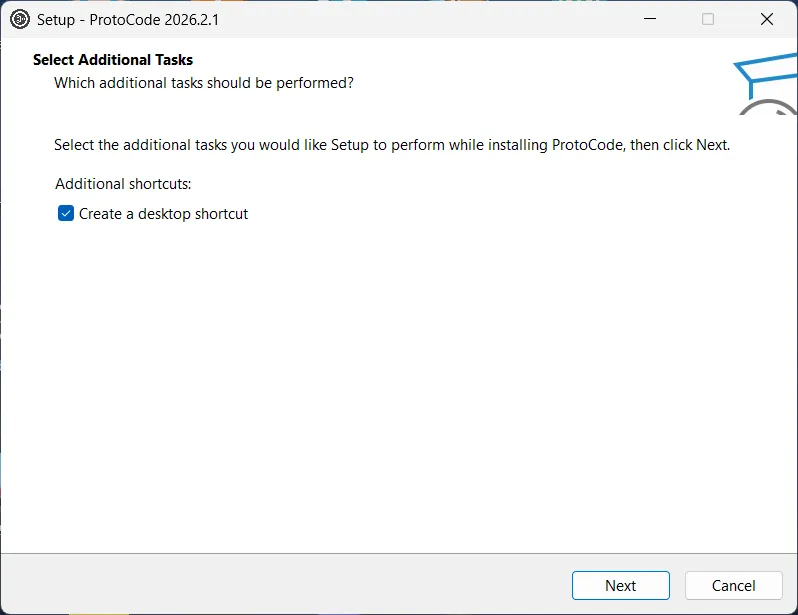
Additional tasks: keep Create a desktop shortcut checked if you want a desktop shortcut and press Next.
-
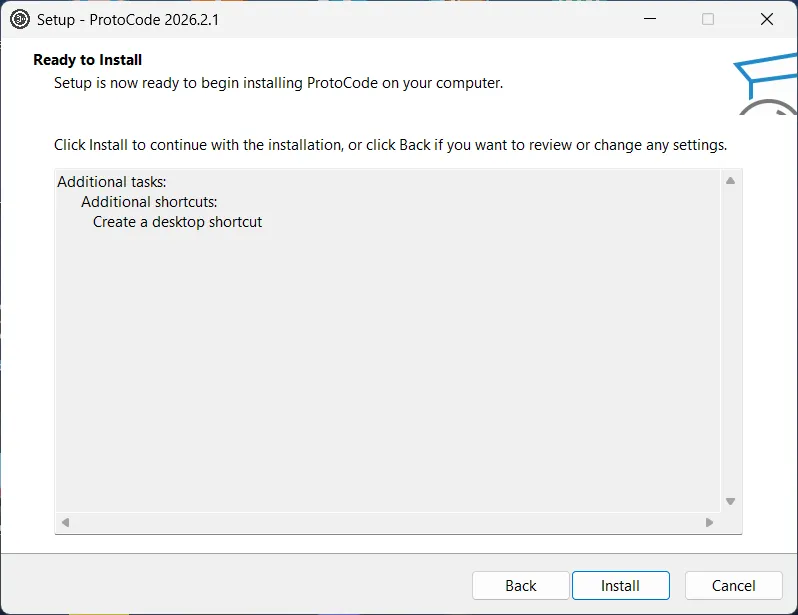
Ready to install: review the summary and press Install.
-
Wait while the files are copied. ProtoCode is installed in
C:\Program Files\RoboLacyTech\ProtoCode.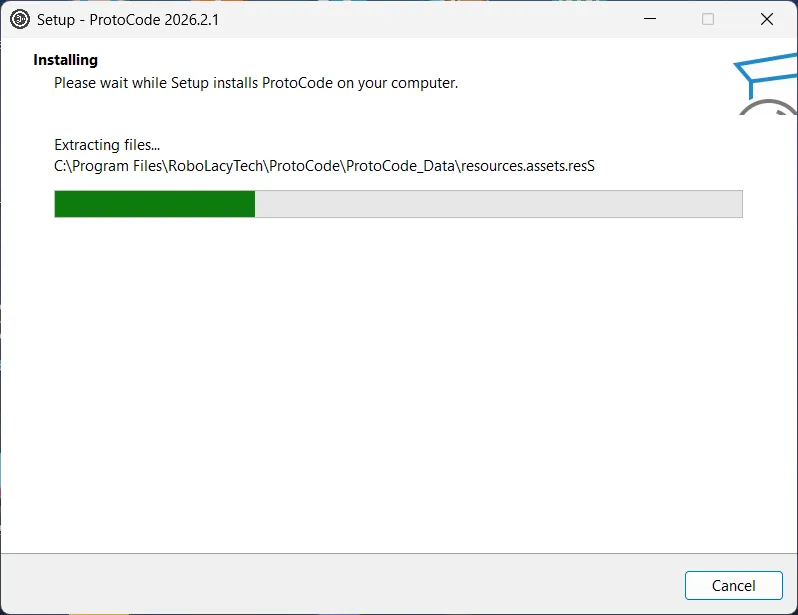
-
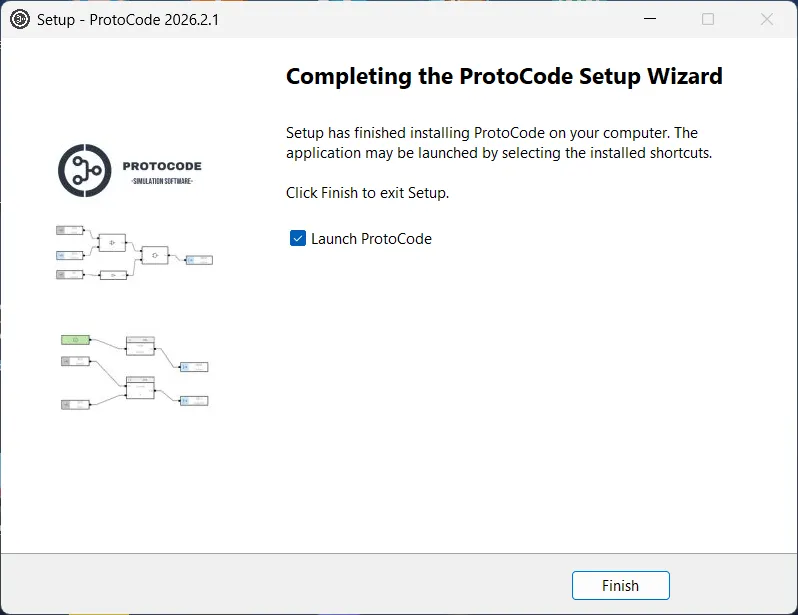
Finish: with Launch ProtoCode checked, press Finish and the program opens.
When it opens you will see the home screen. Continue with Your first project.
Update
Section titled “Update”To install a new version, download it from itch.io and run the installer: it replaces the previous version and keeps your projects, which are stored in your documents folder.
Uninstall
Section titled “Uninstall”Go to Windows Settings → Apps → Installed apps, find ProtoCode and press Uninstall. Your projects are not deleted.